
Coins Game support runs through three channels: a support chat on every page of the casino, a Help Center at help.coins.game with articles on payments, bonuses and verification, and the casino's Telegram channel for news and promo codes. Two independent reviews from December 2025 report the chat running around the clock. For account questions such as a pending withdrawal, the chat is the quickest route, because it sees the status of your account. Checked on 19 October 2026.
Here is what each channel is for, and how to get an answer on the first message.
The support chat
The chat button sits in the corner of every page and in the account menu under Chat support. It opens a conversation with the casino's team, who can see your account, deposits, withdrawals and bonuses. It is the right place for anything personal: a deposit that has not appeared, a payout under review, a bonus that did not credit, a login route you have forgotten or a request to reset two-factor login.
Separate from it is the public chat, the community room where Rain rounds and CoinsDrop take place. The public chat is for players; for account questions, use Chat support.
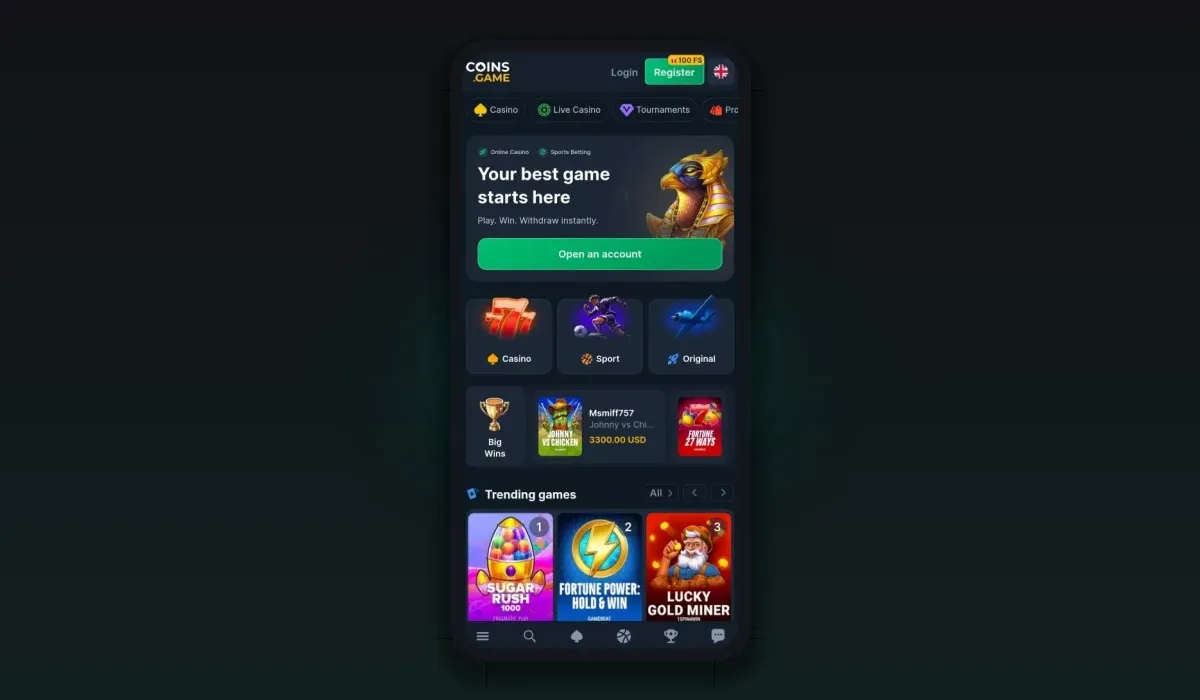
Customer support
| Channels | Live chat, Help Center, Telegram |
|---|---|
| Hours | 24/7 |
| Live chat | Yes |
| Languages | English, Deutsch, Français, Español, Português, Polski |
The Help Center
The Help Center at help.coins.game is the casino's knowledge base, linked from the menu and the footer as Get help. It is the first stop for general questions that do not depend on your account, such as how a crypto deposit is credited or how a bonus is wagered, and it saves waiting for a reply in the chat.
Telegram and social channels
The casino's Telegram channel is linked from the promotions strip with the line "catch the new promo codes every day". It is where daily codes, tournaments and news appear first. It is not a private support line; for anything about your own account, the chat is the right channel. The site also links its social accounts from the menu.
Verify a representative
The footer of coins.game carries a link called Verify Representative. You enter the account that contacted you, for example a VIP host or a manager on Telegram, and the casino answers whether it is its representative and can be trusted, or not. Use it before you share any account details or send funds on someone's instructions. The casino's staff never need your password or your two-factor codes.
What to have ready
Your account ID, shown in the account menu.
For a deposit: the coin, the network and the transaction hash from your wallet.
For a withdrawal: the time of the request and the amount.
For a bonus: the name of the offer and, for a code, the code itself.
For verification: the document you uploaded and any message Sumsub showed.
With these at hand, most questions are settled in one exchange.
Common questions support handles
Most chats are about one of a handful of topics: a crypto deposit that is waiting for confirmations, a first withdrawal that is waiting for identity verification, an active bonus that holds part of the balance, or a second account opened through a different social login. Each of these has a clear fix, described in our withdrawal time guide and login guide.
Languages
The casino's interface runs in eighteen languages, including English, German, French, Spanish, Portuguese, Polish, Turkish, Japanese, Korean and Finnish, switched from the language menu at the top of the site.
The public chat, Rain and tips
The public chat is a community room for players, open from the side panel. It hosts Rain rounds for verified players, CoinsDrop and Money Rain from other players, and a tipping feature. Tips can go to the Rain pot or, for VIP players, to a personal assistant or VIP host as a thank-you. Tipping is optional.
Escalating a question
Start in Chat support with your account ID and the details of the issue.
If the first answer does not solve it, ask for the case to be escalated and note the time.
Keep transaction hashes, screenshots and the chat transcript together.
For a formal complaint, address it to the licence holder named in the footer, Royal Way Limited.
Most questions end at the first step, especially when the account is already verified.
Support for VIP players
Players higher on the VIP ladder get a personal assistant or VIP host, reached through the chat. The host can explain personal offers and level rewards. As with any contact, check a host who writes to you first with Verify Representative.
Which channel for which question
| Question | Best channel |
|---|---|
| Deposit not credited, payout pending | Chat support, with the transaction hash |
| Bonus not credited or code refused | Chat support, with the offer name or code |
| How a feature works | Help Center |
| New codes and tournaments | Telegram channel |
| Is this person really from the casino? | Verify Representative in the footer |
| Taking a break | Self-Exclusion page or Chat support |
Writing a message that gets a quick answer
A good first message has three parts: what happened, when, and what you expected. For example: "My USDT deposit on TRC-20 at 14:10 has six confirmations in the explorer but is not in my balance; here is the transaction hash." With your account ID and the hash in the first message, support can check the transfer straight away instead of asking follow-up questions.
If you need a break
Support can also help with responsible gambling: closing an account for a period, or self-exclusion through the option in the casino's footer. The responsible gambling page lists the tools and free UK help lines.
Coins Game support questions
How do I contact Coins Game support?
Open Chat support from any page of the casino or from the account menu. The Help Center at help.coins.game answers general questions.
Is Coins Game support available at night?
Independent reviews describe the chat as running around the clock, so you can write at any hour.
Can support see my withdrawal?
Yes. The support chat sees your account, so it can tell you the status of a payout and what it is waiting for.
How do I know a message is really from Coins Game?
Use the Verify Representative link in the casino's footer before you share details or act on a private message.